
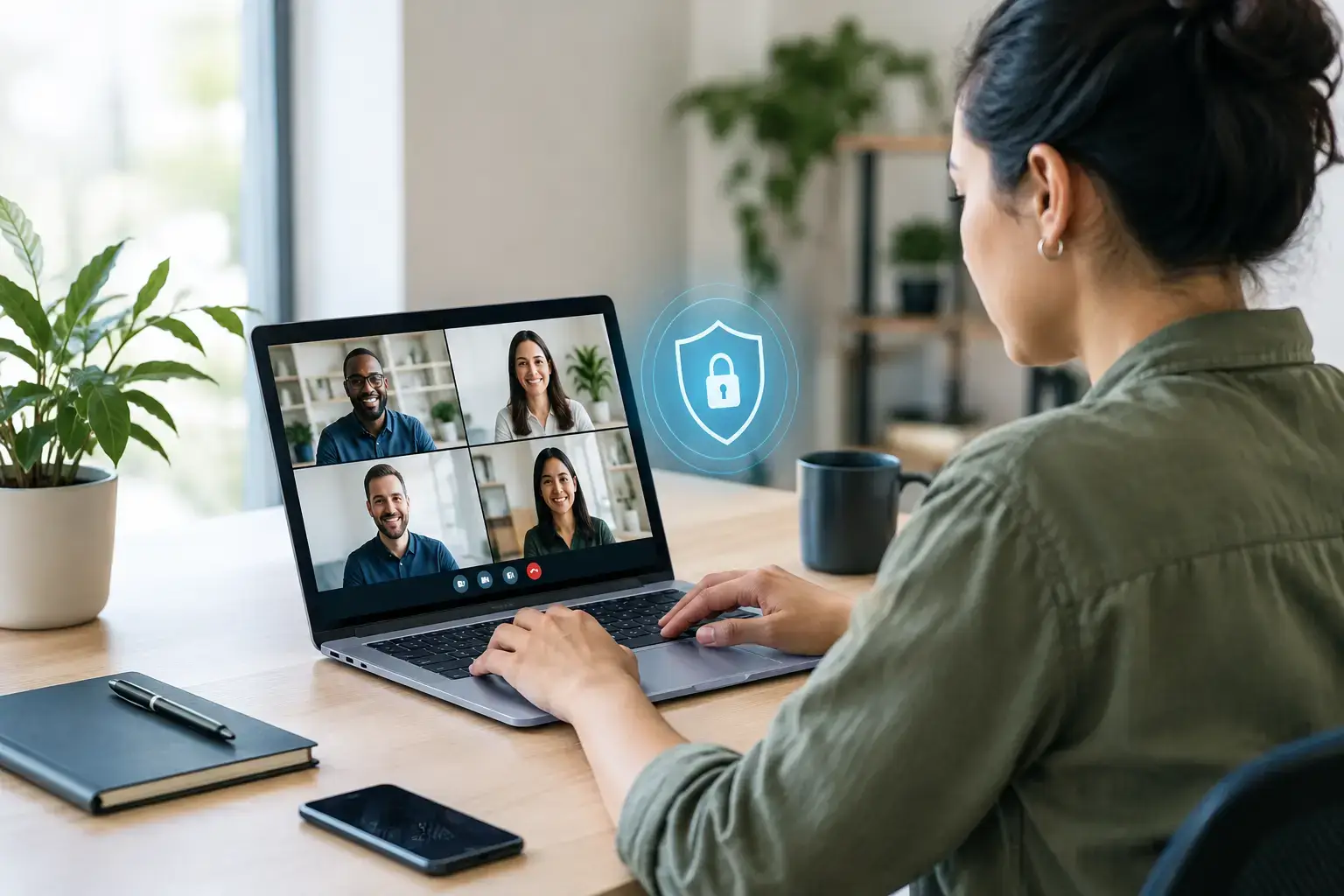
A remote team can reduce payroll pressure and add capacity quickly, but it also changes where your business information is accessed, stored and discussed. This remote workforce security guide sets out the practical controls that help growing businesses protect data without turning remote management into another full-time job.
Security is not about treating offshore employees as a risk. It is about applying consistent standards to every person who accesses your systems, whether they work from your office, home or a managed remote location. When those standards are clear from day one, remote hiring remains a commercially sensible and well-controlled way to scale.
Start with the risks that matter to your business
Most businesses do not need enterprise-level security architecture before hiring their first remote employee. They do need to understand what information a role can access and what would happen if that information was exposed, changed or lost.
A customer support adviser may need access to a helpdesk, order history and limited customer details. A finance assistant may need supplier bank information, invoices and payroll files. A developer may need access to code repositories and cloud infrastructure. These roles carry different levels of risk, so they should not all receive the same permissions.
Begin by identifying your critical systems, sensitive data and high-impact actions. This creates a sensible baseline for deciding who needs access to what. It also prevents a common mistake: giving a new starter broad access simply because it is faster than setting up the right permissions.
Build access around roles, not individuals
The most effective control for a distributed team is role-based access. A team member should have the minimum access required to complete their job, and no more. This is often called the principle of least privilege, but the practical point is straightforward: keep access narrow, review it regularly and remove it promptly when a role changes.
For example, a marketing coordinator may need access to your content management system, social channels and email platform. They rarely need visibility of payroll records, company-wide folders or financial software. Separating access in this way reduces the impact of an accidental disclosure or compromised account.
Use individual accounts rather than shared logins. Shared credentials make accountability difficult and can leave former workers able to access systems long after they leave. Where a system does not support separate accounts, consider whether it is suitable for business-critical work.
Multi-factor authentication should be enabled wherever it is available, especially for email, cloud storage, finance platforms, customer relationship management systems and administrator accounts. A password alone is too easily reused, guessed or obtained through a convincing phishing email.
Make offboarding as disciplined as onboarding
Access removal is a business process, not an IT afterthought. When someone leaves, changes department or stops working on a client account, their access should be reviewed immediately. This includes email, shared drives, collaboration platforms, password managers, phone systems and third-party software.
Keep a simple offboarding checklist with named ownership. The manager confirms the change, the relevant accounts are disabled, company equipment is returned or wiped where appropriate, and shared passwords are updated if they have been used. A managed outsourcing partner can support this process, but the client should still know who owns each decision.
Secure the device as well as the login
A secure password does not help much if a laptop is unpatched, shared with family members or lost without encryption. For roles that handle customer, financial or commercially sensitive data, company-managed equipment is usually the clearest option. It gives the business greater control over updates, endpoint protection, encryption and remote wiping.
That said, company devices involve upfront cost and administration. For lower-risk roles, a bring-your-own-device policy may be proportionate if it includes basic conditions: supported operating systems, automatic updates, screen locks, device encryption, anti-malware protection and a separate work profile or user account.
Your remote workforce security guide should set a clear rule on local storage. Sensitive files should normally stay in approved cloud platforms rather than being downloaded to personal desktops, USB drives or private email accounts. This reduces version confusion as well as data loss.
A practical device standard should cover four areas:
- Approved operating systems, security updates and endpoint protection.
- Full-disk encryption, strong screen locks and automatic lock-out periods.
- A ban on shared user accounts for work involving company data.
- A process for reporting a lost device, suspicious activity or technical issue quickly.
Set expectations before work begins
Security policies work when they are short, specific and tied to everyday behaviour. A lengthy document that no one reads offers little protection. Remote workers need to understand how to handle customer information, where files belong, what they may download, and who to contact when something does not look right.
Include security expectations in onboarding, alongside role training and operational procedures. Cover phishing, password hygiene, secure video calls, confidential conversations and the safe use of AI tools. Employees should know not to paste customer data, pricing information, contracts or internal documents into unapproved tools, even when they are trying to work more efficiently.
It is also worth being explicit about working environments. Home working does not require a dedicated corporate office, but it does require reasonable privacy. Screens should not be visible to visitors, calls involving confidential information should not take place in public spaces, and printed documents should be avoided unless there is a clear disposal process.
Training should be repeated, not treated as a single induction task. Short, practical reminders are more useful than annual presentations full of technical terminology. If someone reports a suspicious email or possible mistake, respond constructively. People report issues earlier when they believe the focus is on containment and learning rather than blame.
Protect communication and collaboration channels
Remote teams rely on email, chat, video meetings and shared documents. These tools speed up delivery, but they can also create unmanaged copies of sensitive information. Establish approved channels for each type of work and avoid allowing important client data to move between personal WhatsApp accounts, private email addresses and unapproved file-sharing tools.
Email remains a common route for fraud. Finance and payroll teams should have a verification process for changes to bank details, payment requests and urgent instructions that appear to come from senior leaders. A simple call-back procedure or second approval can prevent an expensive error.
Be careful not to create unnecessary friction. Requiring approval for every file share will slow down capable teams and encourage workarounds. The better approach is to provide secure, easy-to-use tools and explain the boundaries clearly.
Assess your outsourcing partner’s operational controls
When building an offshore team, security is shared. Your business controls its systems, data classifications and access decisions. Your outsourcing partner should provide a reliable operating environment, clear employment processes and support when issues arise.
Ask practical questions before work starts. How are candidates screened? What agreements cover confidentiality and data handling? Are workers supported with suitable equipment and connectivity? How are onboarding and offboarding managed? What happens if an employee leaves unexpectedly or reports a security concern?
For UK and European businesses, data protection obligations also need attention. If remote employees process personal data, make sure your arrangements reflect the nature of that processing, the systems involved and the safeguards required by your organisation. Legal advice may be appropriate for regulated sectors, sensitive data categories or complex cross-border data flows.
Simply Outsourcing helps businesses establish South African remote teams with hiring, onboarding, HR and operational support in place. That reduces administrative burden, but it does not remove the need for the client to set sensible access, data and approval rules.
Review controls as the team grows
Security requirements change as a team expands. A five-person remote function may be manageable through clear permissions and monthly checks. At 30 people across sales, support, finance and technology, you may need formal access reviews, better device management, incident procedures and clearer separation of duties.
Review access at least quarterly and after material changes such as a new system, a client win, a restructuring or a change in responsibilities. Check that inactive accounts are removed, administrator privileges are limited and sensitive folders remain restricted to the right people.
The goal is not to make remote work feel restrictive. It is to create an operating model where capable people can do their jobs confidently, managers can see that controls are working, and growth does not introduce avoidable risk. Start with the systems and data that matter most, then strengthen the controls as your remote team takes on more responsibility.